
User Role & Workflow Mapping
Every user role and the actual job they're trying to do in your product — not a generic persona slide.
Product Design
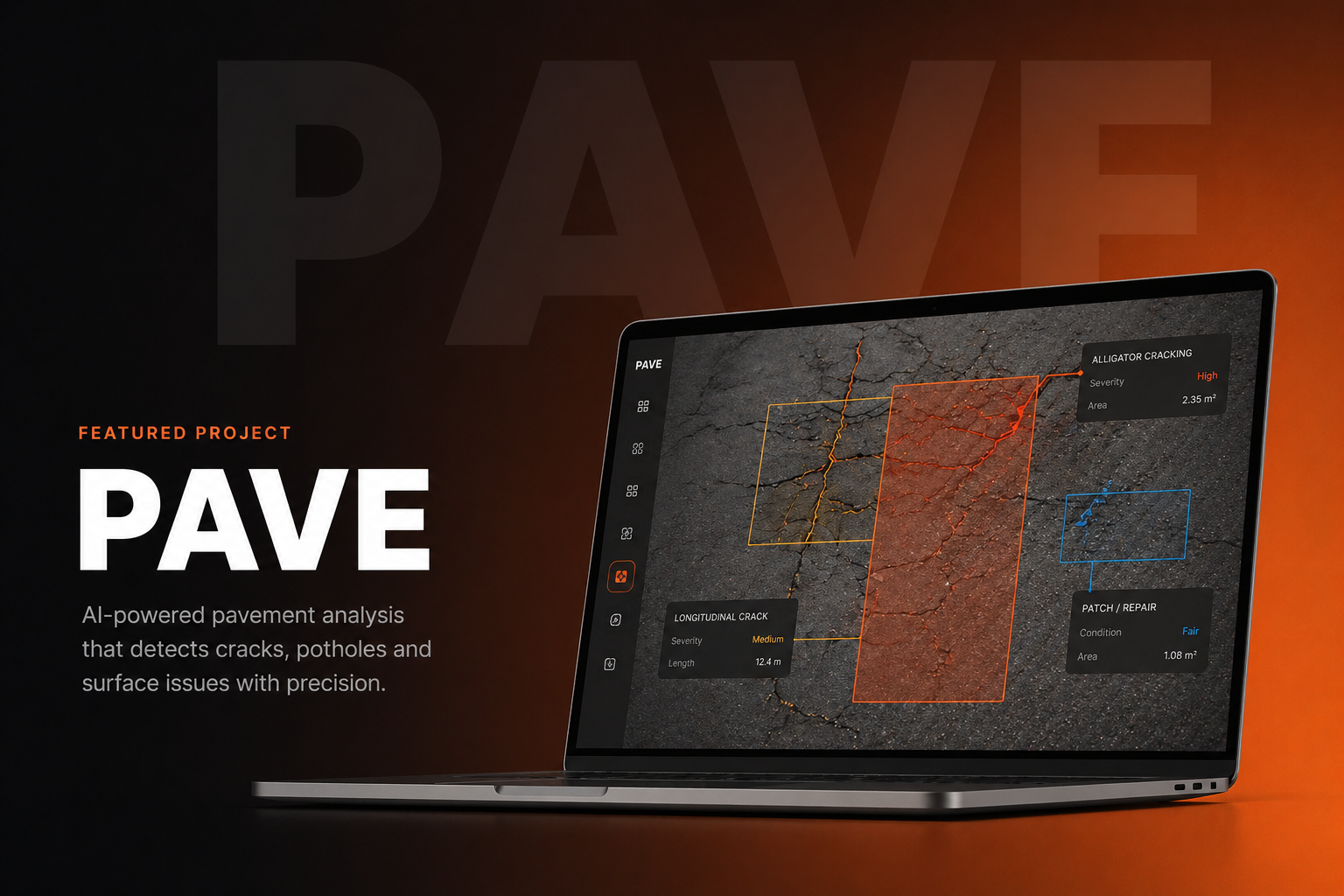
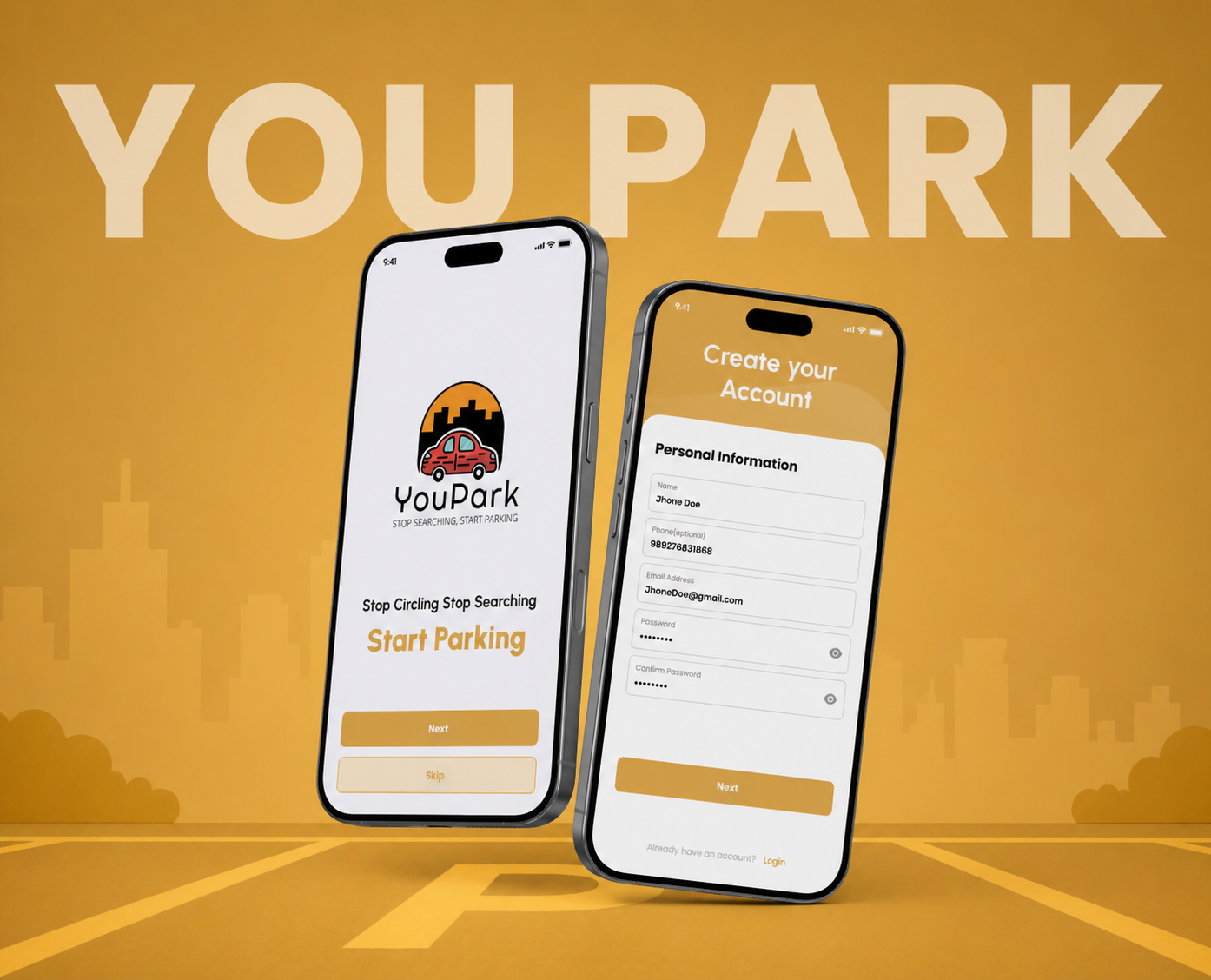
You know where everything is because you built it. Your users don't. We map the actual jobs people are trying to do in your product and design around those in Figma — instead of adding another settings menu.



Expert Team

Overview
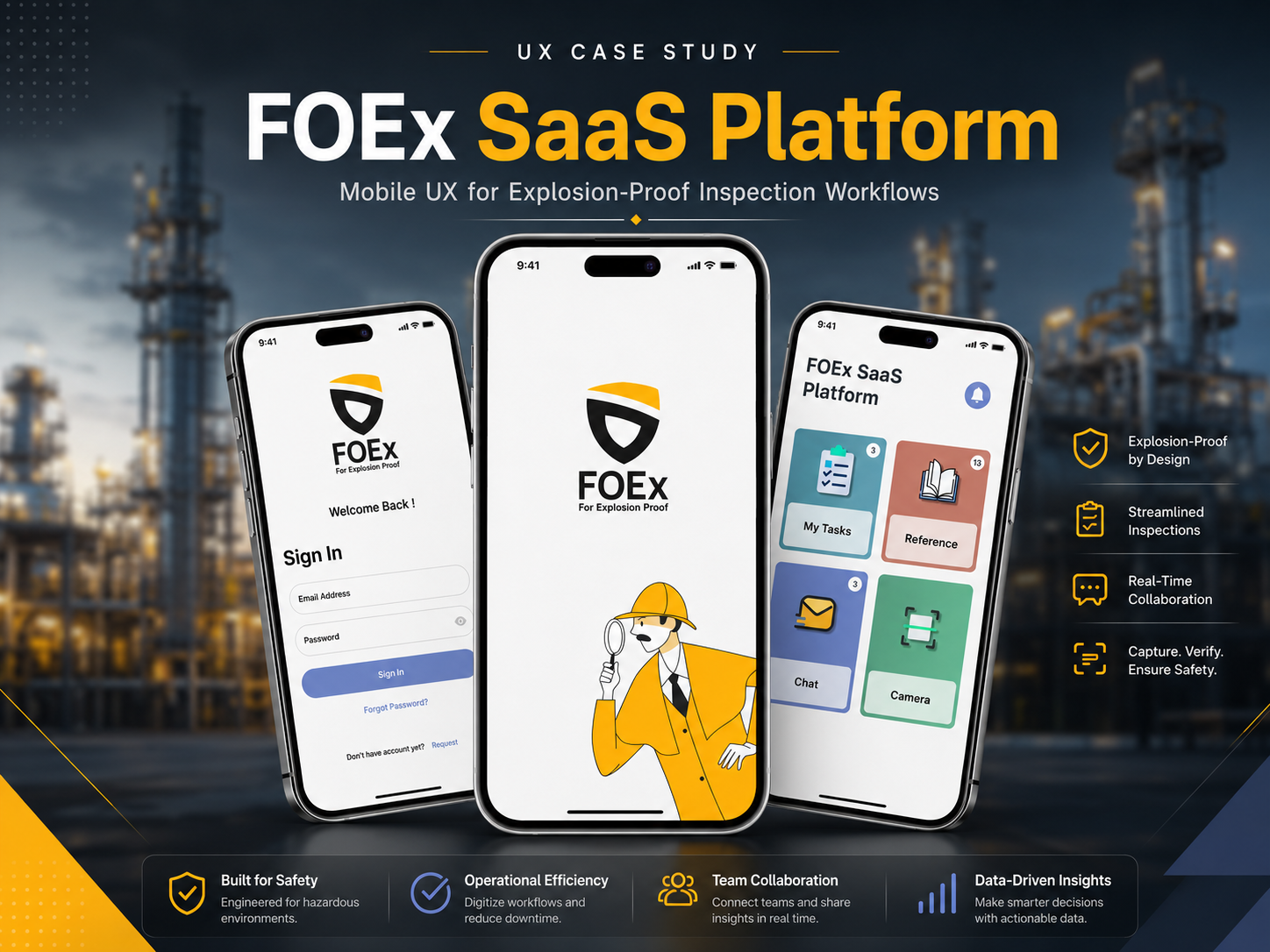
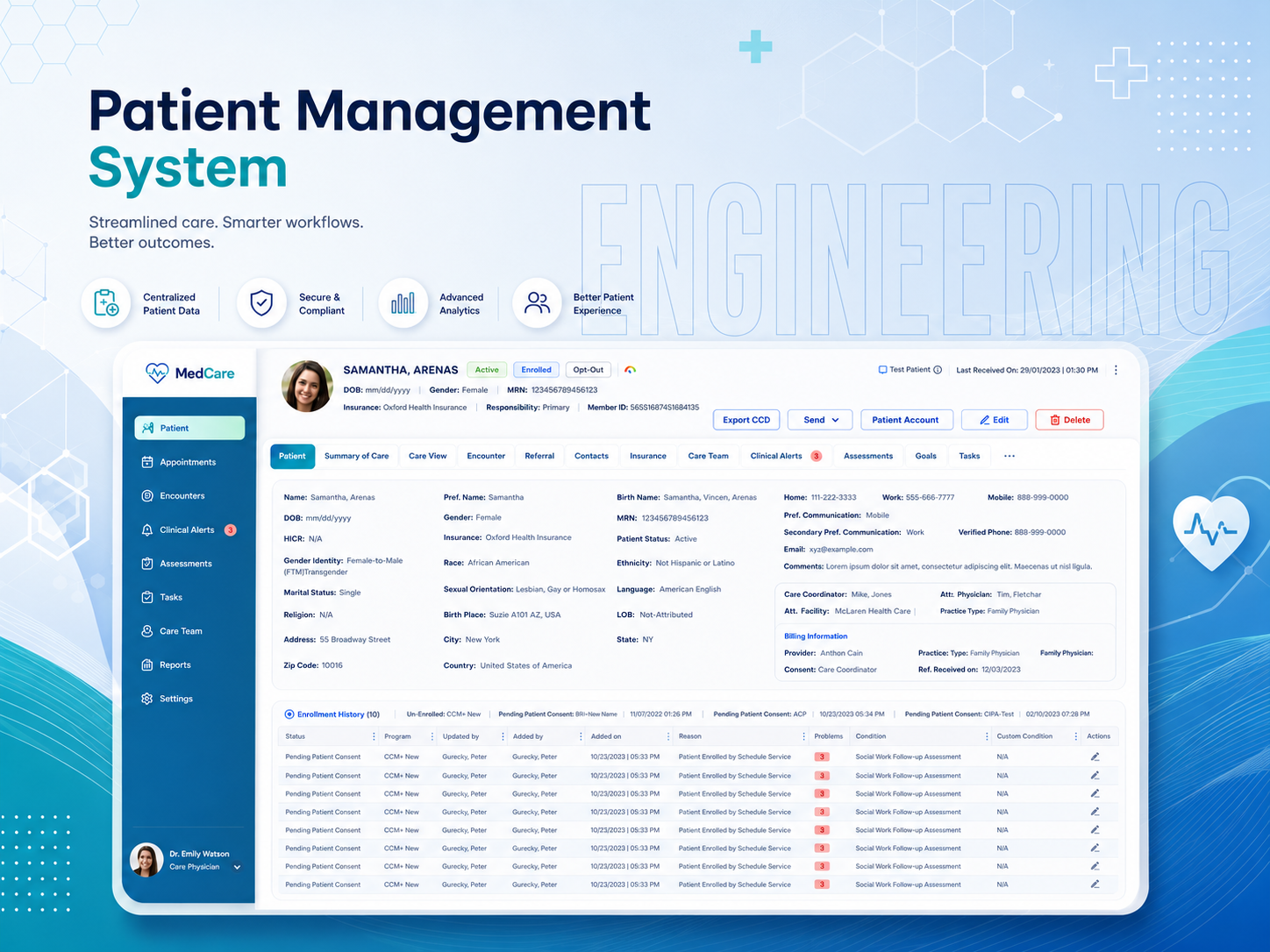
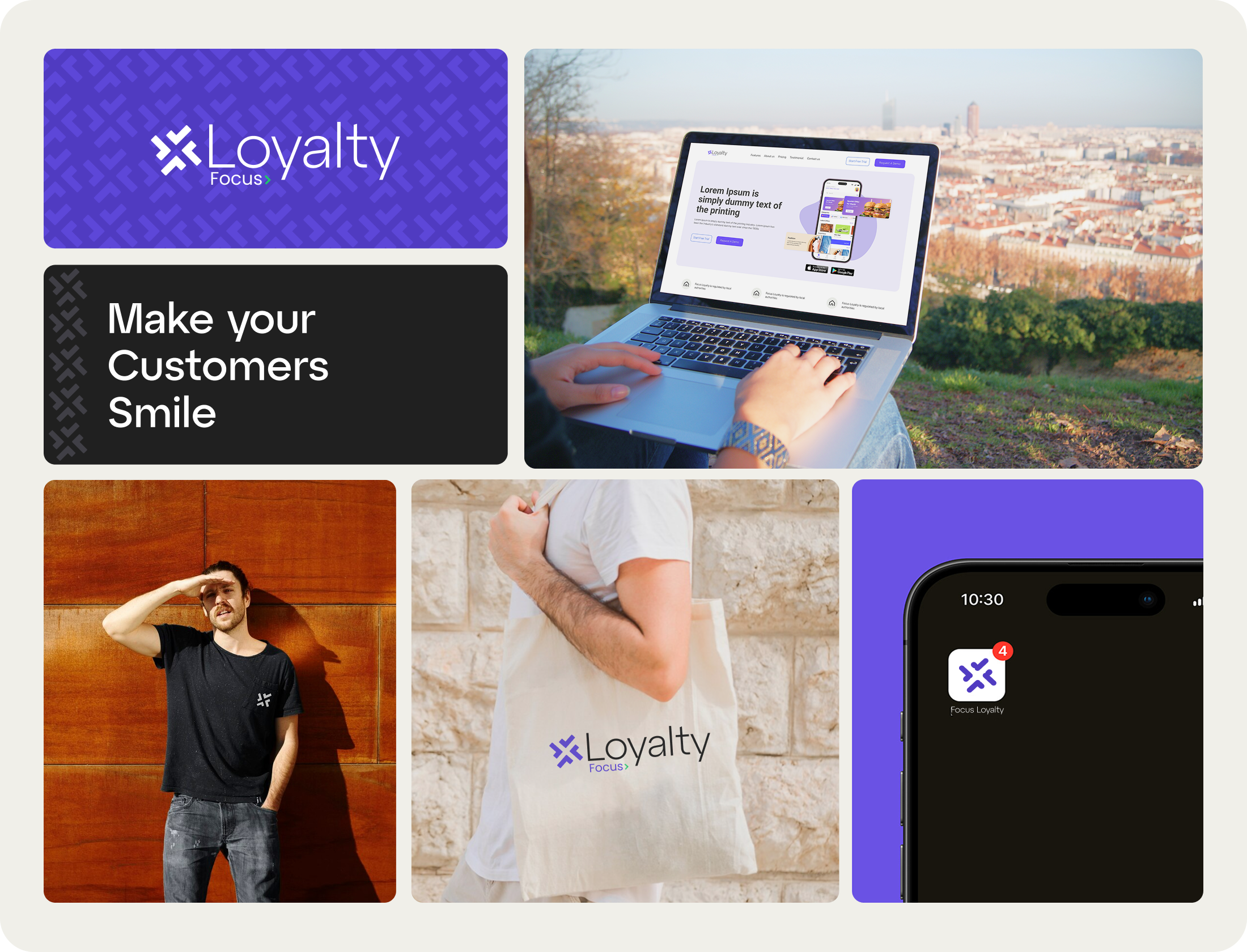
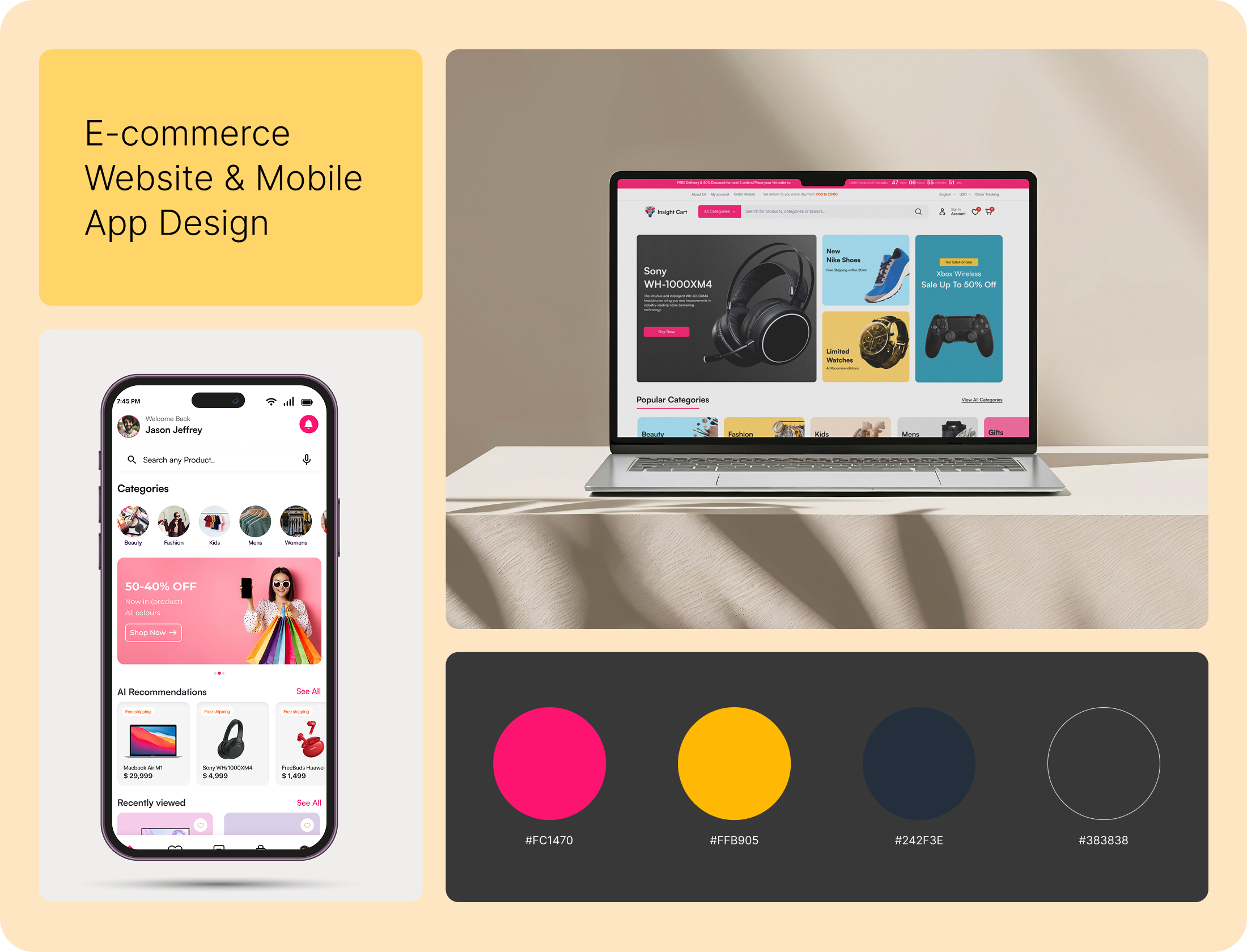
We organize user flows, screen structure, and reusable patterns around the actual jobs your users are doing — not a redesign of every screen at once. What ships is a system your team can extend, not a one-off mockup.
What We Offer
Every user role and the actual job they're trying to do in your product — not a generic persona slide.
The real path through a feature, mapped in FigJam, including the steps your current UI makes people repeat unnecessarily.
Interfaces built around the decision a user needs to make on that screen — not every metric you could show, shown at once.
The form that doesn't make someone re-enter the same data twice, designed with real validation states, not just the happy path.
UI patterns built once and reused, so your product stops looking like five different tools stapled together.
A real prototype your team and early users can click through before a single line of production code gets written.
We get into the actual user roles, the jobs they're trying to do, and where the current product gets in their way — not a feature wishlist.
We map the real journeys and information structure in FigJam before touching visual design — the paths users actually navigate, not an idealized flow chart.
Polished screens, components, and dashboards built around the decision each screen needs to support, in Figma with real states — not just the default view.
We connect the screens into a real clickable prototype and walk it through with actual users or stakeholders before development starts.
A live session where we walk through every flow together, so the edge cases your team knows about actually get addressed before build.
Specs and component states clean enough that engineering builds what you actually approved — plus we stay reachable while it's built.
AI + MCP DELIVERY SYSTEMS
Human-led / AI-enabled
We combine experienced strategy, design, and engineering with AI tools and MCP-connected workflows to research, prototype, build, and refine more efficiently.
Faster exploration. Quicker iterations. Production-ready delivery.
EXPERT DESIGN & ENGINEERING TEAM
Skip the long forms and start with one focused 30-minute conversation.
Fast, practical conversations for founders and product teams.